- 1
Step 1
Choose the vector
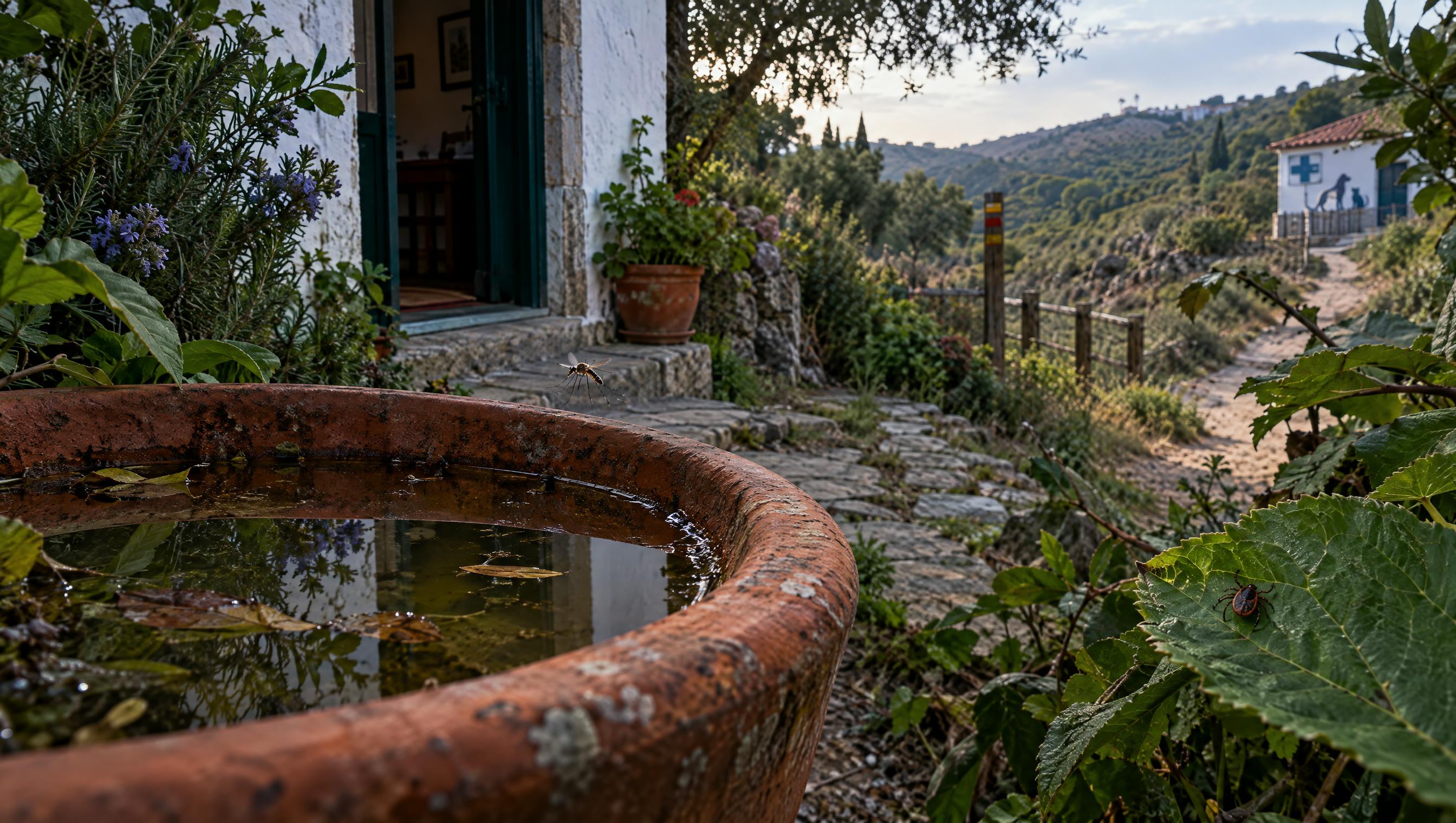
All five modules are active: mosquitoes, ticks, sand flies, fleas and Culicoides.
Choose what to report → - 2
Step 2
Read the guide (optional)
Compare key marks or typical context — helps you take a useful photo for validation.
Vector hub → - 3
Step 3
Photograph and submit
Research consent required. GPS or map. No people or number plates in the photo.
Go to reporting → - 4